
Etiquette
SemVer 2.0
Conventional Commits bump MAJOR.MINOR.PATCH. The forge can reject a messy push. Set enforce to false in .rabun/version.toml to turn those gates off.
Rabun Git
Self-hosted git over SSH. Conventional Commits and SemVer 2.0 by default. Users, merge requests, and workflow agents on your machines.
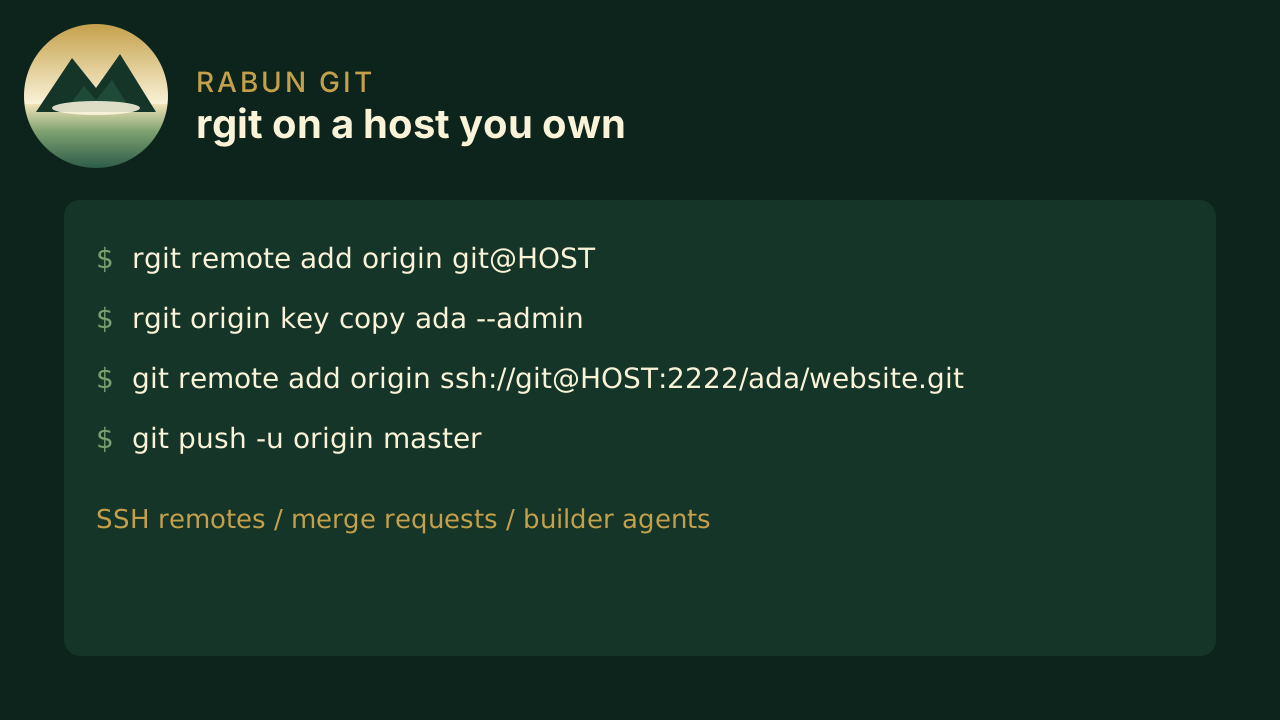
Rabun Git stores bare repositories on a machine you administer. Teammates use git. Operators use rgit for users, keys, access, merge requests, builder agents, and version releases. rgit view shows the files in a browser on the machine that has the checkout.
Etiquette
Conventional Commits bump MAJOR.MINOR.PATCH. The forge can reject a messy push. Set enforce to false in .rabun/version.toml to turn those gates off.
Remote
Bare repos on port 2222. Clone and push with ordinary git. Your existing sshd on port 22 stays put.
Review
Open, review, and fast-forward merge from the CLI. Protected main and master stay with admins.
CI
Shell steps in .rabun/workflows on push, tag, and request. A runs-on list starts one run each on Linux, macOS, and Windows.
Files
rgit view renders a local tree in the browser: README, file tree, and file contents.
The forge
SSH based communication with teams and groups baked in. Etiquette is the default; you can switch it off.
People
Create logins, attach SSH keys, and grant read, write, or admin on owner/name.
History
Branches, clones, and tags work as they do on any SSH remote. feat/fix/breaking commits are the default language of a release.
Versions
Keep Conventional Commits and SemVer, or set commits, tags, and manifests to false in .rabun/version.toml.
Builders
Register a builder per label. rgit agent polls over SSH, claims the oldest matching job, clones that SHA, and writes the log back.
Builders
runs-on: [linux, macos, windows] fans out to one run per label. Each agent polls the forge on port 2222, clones that commit, and runs the steps. Labels must match exactly.
Linux
Label linux. With no registered linux builder, the job still runs on the forge host as the rabun-git user, using sh -c.macOS
rgit origin agent register mac --label macos, then rgit agent --labels macos on that Mac. launchd keeps the poll loop running. The shell defaults to sh.Windows
The same poll loop with --labels windows. Steps default to pwsh -NoProfile -Command unless the job sets shell.Written for people who already use git clone, commit, and push.